🌐 Shelnia: A Social Site You Reach Over SSH 🌐
-
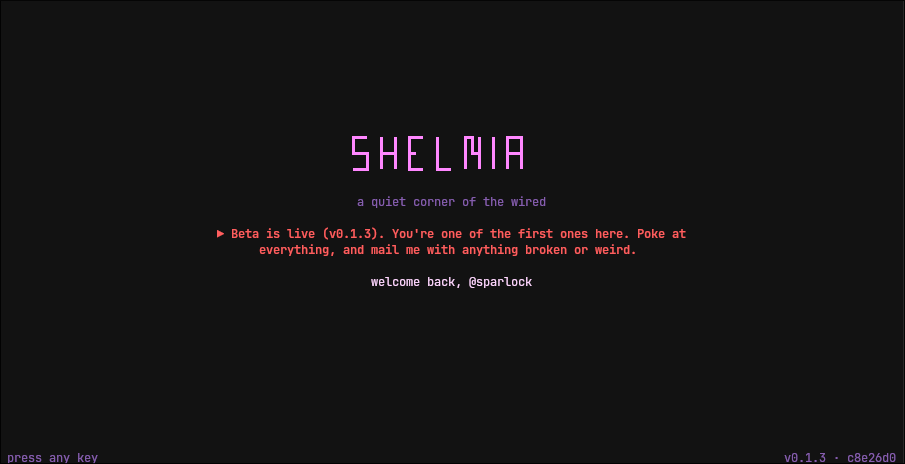
Shelnia is a quiet, text-only social site that lives entirely in your terminal. There's no web page, no images in the feed, no ads, and no algorithm deciding what you see. You connect with one command:
ssh shelnia.shand you get a feed, replies, a chat room, private mail, profiles, topics and themes, all drawn in plain text. The name is shell + -nia: a little country you can only reach by shell.
Your SSH Key Is Your Account
There are no passwords and no sign-up forms. The first time you connect with an SSH key, Shelnia asks you to claim a handle. After that, the same key logs you straight in. Connect without a key and you can still read everything as a guest.
The server only hands the app a key whose signature it actually verified, so offering someone else's public key just gets you a guest session. You can attach more than one key to an account (with a one-time link code), which is a good idea, because there's also no password recovery. A lost key with no spare is a lost account.
Getting a Key
If you've never made an SSH key, Shelnia will just log you in as a guest. Making one takes a few seconds, with the same command on Linux, macOS and Windows 10+ (in PowerShell). Press Enter at every question:
ssh-keygen -t ed25519Then run
ssh shelnia.shagain and you'll be asked to claim a handle. Keep the default filename:sshonly offers keys with the standard names unless you tell it otherwise.If you'd rather use a key just for Shelnia, make one with its own name and point
sshat it:ssh-keygen -t ed25519 -f ~/.ssh/shelnia ssh -i ~/.ssh/shelnia -o IdentitiesOnly=yes shelnia.shIdentitiesOnlyis worth it. Without it,sshoffers every key you have to whatever server you connect to. GitHub publishes everyone's public keys, so a key you also use there can be matched to your name.What's Inside
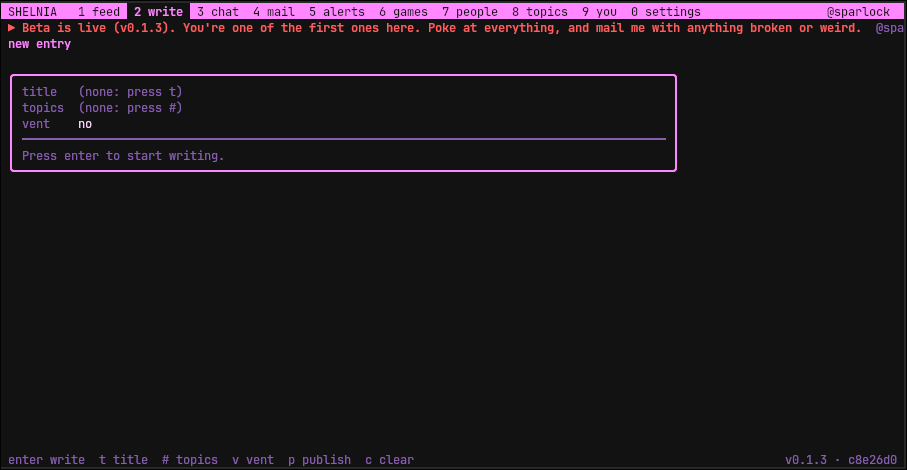
Everything is laid out in numbered tabs:
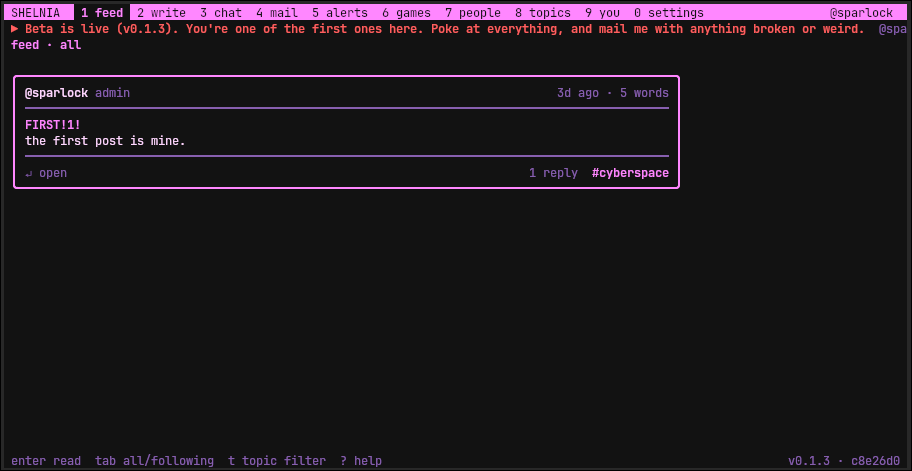
- Feed and Write: posts from everyone or just people you follow, filtered by topic. Formatting is kept simple:
**bold**,`code`, code blocks kept exactly as typed (ASCII art survives), and links shown in full rather than hidden behind text. - Chat: one live room, plus a room for every topic, with a count of who's here. Lines that mention you get marked so you don't miss them.
- CyMail: private letters with an inbox, sent folder and unread count.
- Alerts: replies, @mentions and letters, each shown with its content. Press enter and you're taken right to it.
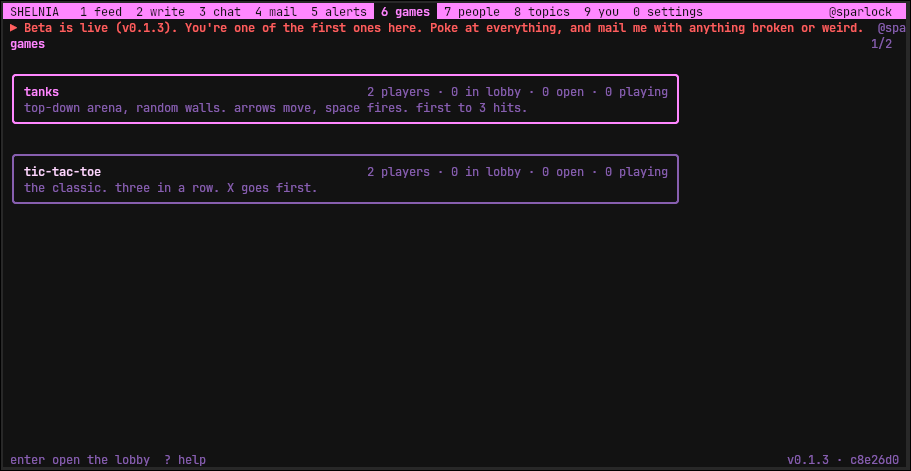
- Games: a small game kit with lobbies, host approval, a private match chat and rematches. Right now it ships with tic-tac-toe and a real-time tanks game on random mirrored arenas.
- Themes: phosphor, amber, wired, c64, paper, or your terminal's own colors. New screens even draw top to bottom like an old terminal (you can turn that off).
Profile pictures exist too, sort of. Send one with
ssh shelnia.sh avatar < picture.jpgand the server turns it into shaded half-block characters drawn in the viewer's theme colors. Only that text is stored; the image itself is thrown away.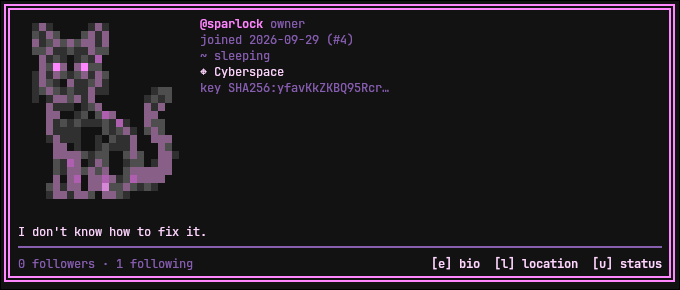
Some things work without opening the app at all:
ssh shelnia.sh feed
ssh shelnia.sh @handle
ssh shelnia.sh alerts count
That last one prints just a number, which makes it easy to put in a status bar. Mine shows a little globe with my unread alerts.
How It's Built
Shelnia is two small pieces. A Go SSH server accepts connections, checks keys and starts a session. Each session runs a Python
cursesapp on its own terminal. The Python side uses only the standard library, and a single SQLite file holds everything.A lot of the work went into making a terminal app safe to share with strangers. Anything people type is stripped of control characters and escape codes, so nobody can paint on someone else's screen. Ctrl+Z and Ctrl+C are plain keys, so they can't freeze a session, and the editor is built in, so there's no way to escape to a shell. Moderation tools (timed permissions, chat slow mode, banned words, a flag queue and a mod log) are enforced in the storage layer, so every path through the app is covered.
It's tested end to end with real SSH sessions: a few hundred automated checks that log in, move through tabs and read the screen back.
Try It
Shelnia is running on a small test server, currently version 0.1.3. Run
ssh shelnia.sh(see Getting a Key above if you don't have one), claim a handle and say hi in chat. - Feed and Write: posts from everyone or just people you follow, filtered by topic. Formatting is kept simple: